01 Does it work on my Squarespace site? +
Almost certainly, yes. Pengon works on both versions of Squarespace (7.0 and 7.1), every template, and every plan that lets you paste a snippet into Code Injection (Core and above, the same plan you'd need for Google Analytics).
02 Do I have to turn off Squarespace's reCAPTCHA toggle? +
No, leave it on. Squarespace's reCAPTCHA catches scripted bots; Pengon catches the realistic-looking AI spam that gets past it. They work side by side.
03 Why not just switch to Jotform or Typeform? +
You can, and for crude bot spam it helps, mostly because bots target Squarespace's form, so a different embed dodges them. But it's a form swap, not spam protection. You give up your native Squarespace form and inbox, and the spam that's actually growing (AI-written pitches a real person could have typed) still lands, because CAPTCHA checks whether you're human, not whether the message is spam. Pengon keeps your form and reads the content, which is the part those tools can't.
04 What if Pengon ever blocks a real client by mistake? +
Every blocked submission shows up in your dashboard with the reasons it was flagged. One click on Recover (not spam) and Pengon sends the full message to the email address on your account — a separate email from us, not anything we put back into your Squarespace form inbox. Blocked messages stay in your dashboard for 90 days, so there's time to check.
05 What happens to my form if Pengon is ever unreachable? +
Forms fail open. If our service is unreachable, or doesn't answer within a few seconds, the submission goes through to Squarespace as normal. Your visitor never sees an error, and you never lose a real enquiry because of us. When Pengon is up, it checks each message before Squarespace receives it: spam is held in your dashboard instead of reaching Squarespace, your inbox or anything connected to the form.
06 Can Pengon email people a copy of what they sent? +
Yes. Squarespace can't do this on its own, but Pengon can. Turn on Visitor copies in your dashboard and people whose message gets through receive an email with every answer they gave, which is handy for bookings, RSVPs and orders. It comes from your business name, replies go straight to you, and spam never gets a copy.
07 What if I want to cancel? +
Remove the snippet from Squarespace and Pengon disappears. Your forms keep working exactly as they did before. To delete your data, click Delete my account in Settings, or email us. Messages are deleted after 90 days anyway.
08 I'm not technical. Can I really install this myself? +
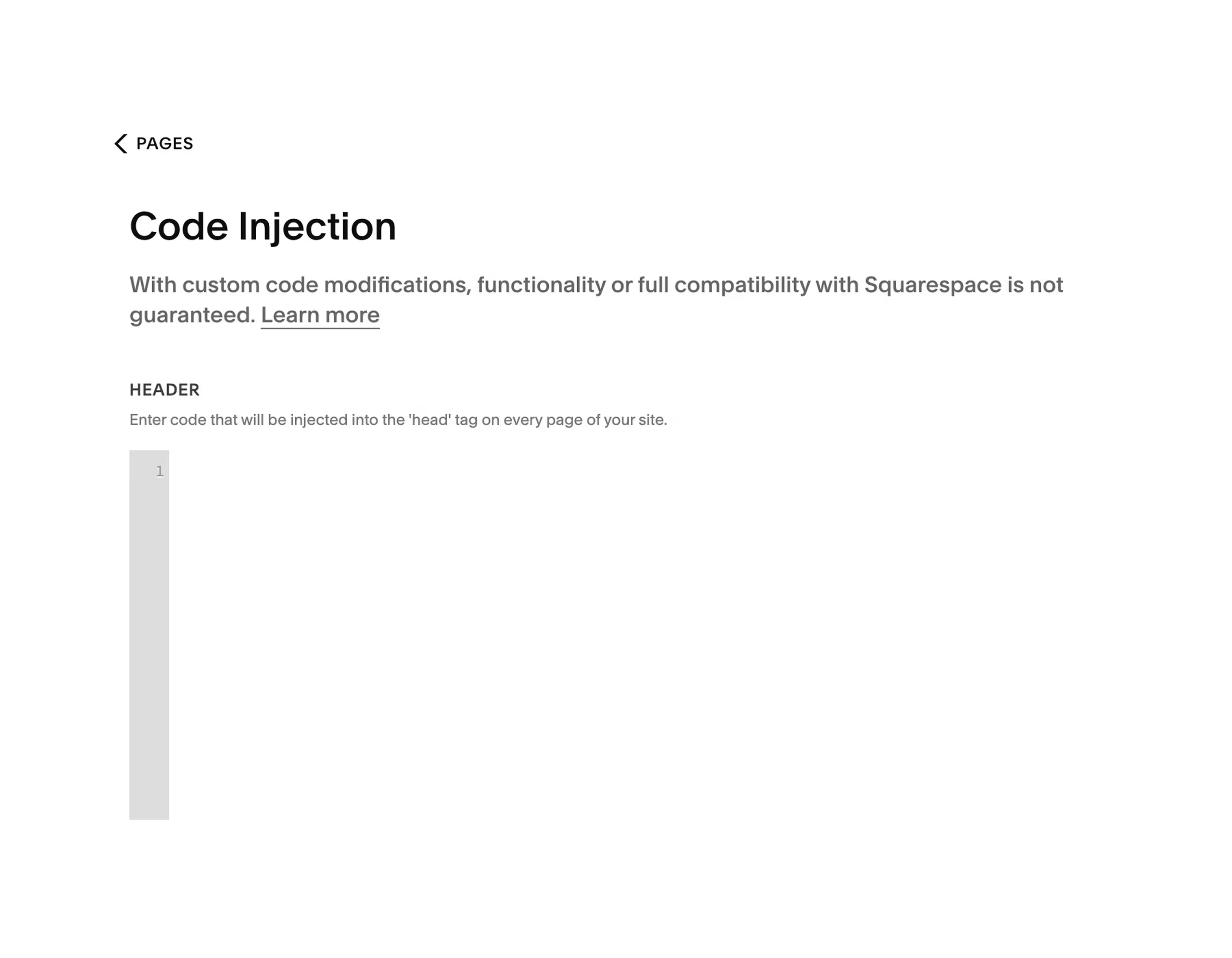
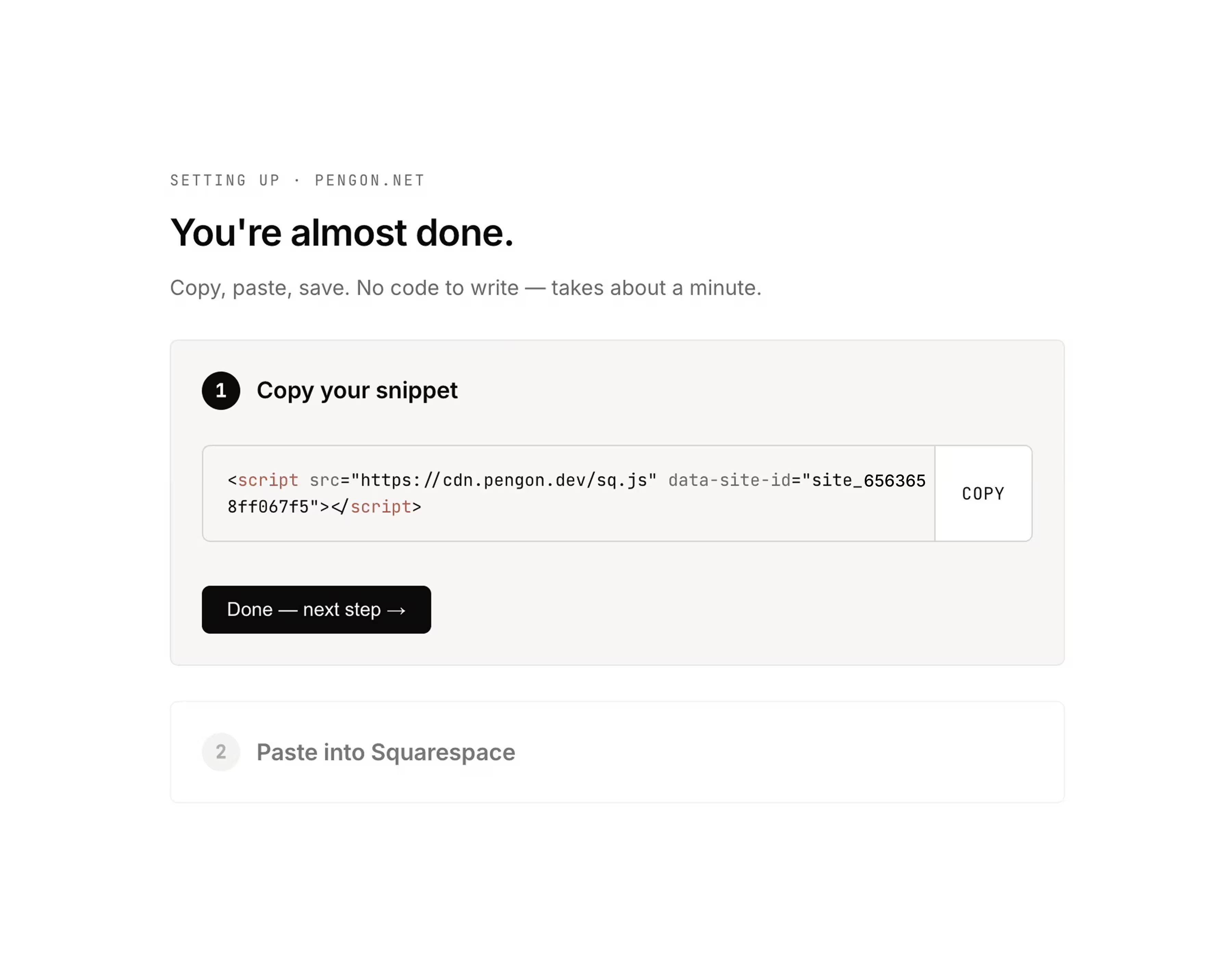
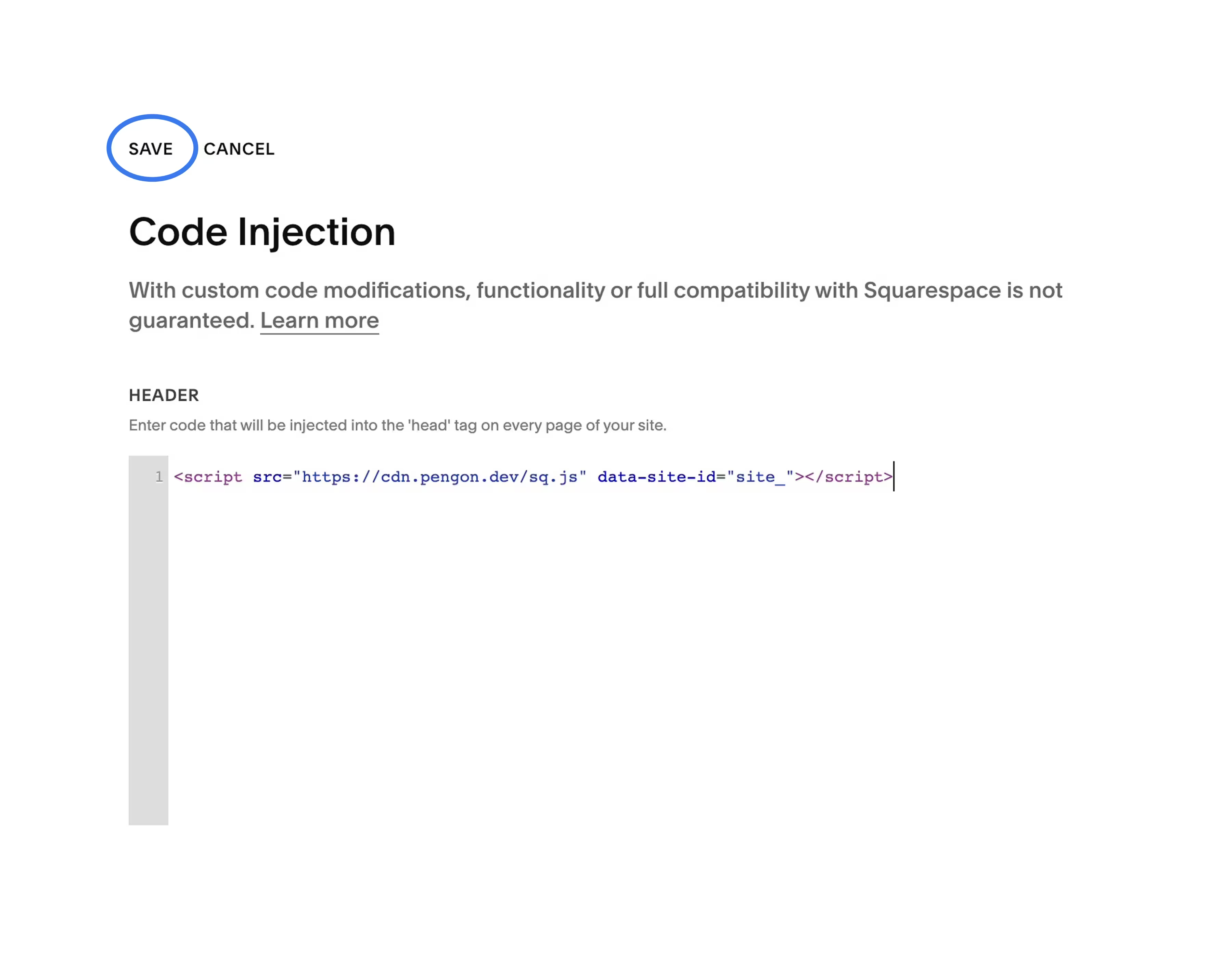
Yes. If you've ever pasted a Google Analytics tag, a Plausible or PostHog snippet, or any other tracking script into Squarespace, this is the exact same flow. And if you'd rather we did it for you, email
[email protected] and we'll walk you through it on a quick call.
09 Is there a plan for agencies? +
Not yet. An agency plan, to manage all your clients' sites from one account with volume pricing, is on our roadmap. Until then, each client signs up and pays for Pengon directly, with their own email, so the account and the bill are theirs. You can still set it up for them: they send you the snippet from their dashboard, and you paste it into their site's Code Injection, the same as a Google Analytics tag.
10 Is my form data secure and private? +
Yes. Submissions are stored on Cloudflare, encrypted in transit and at rest, each account only ever sees its own, and they're deleted after 90 days. To check a message for spam, its name, email and text go to Jev, a classification model from TypeSafe AI, through Cloudflare's AI Gateway, or to Cloudflare's own Clef model if Jev is unavailable. Neither trains on your data, and nothing is ever sold or used for advertising. When you correct a verdict with Recover or Report spam, we keep that message's text, with names, email addresses, links and phone numbers removed, to improve Pengon's filter. You own your data: one click on "Delete my account" in Settings wipes your submissions, sites, billing records and your Pengon login, as GDPR Article 17 requires. The details are in our privacy policy.